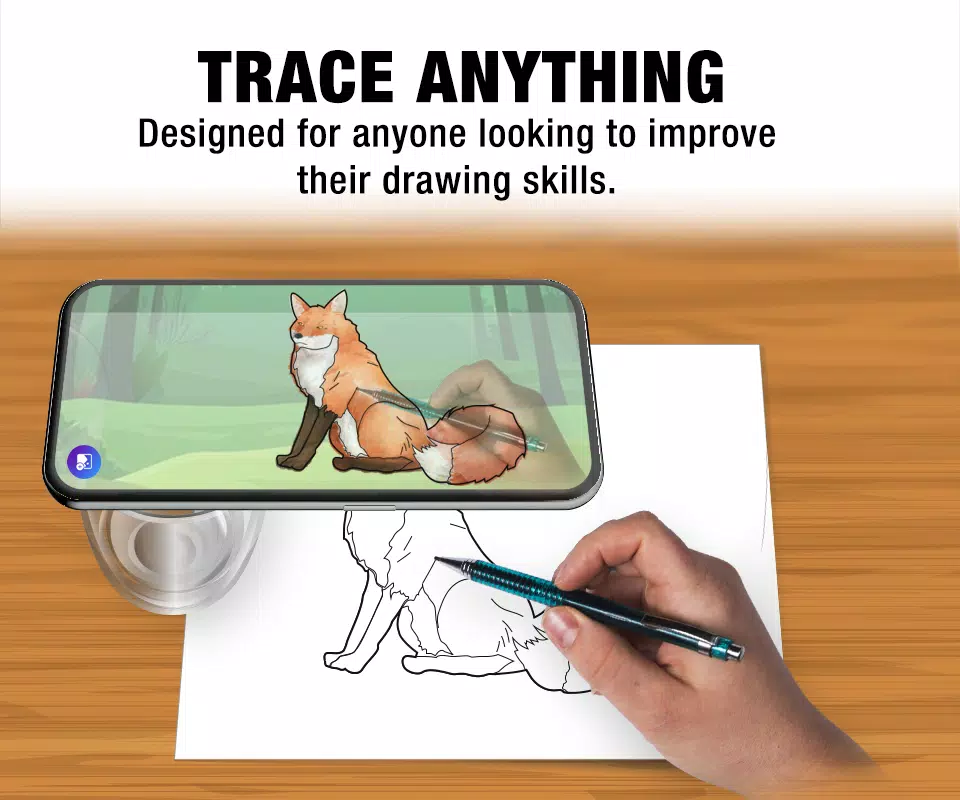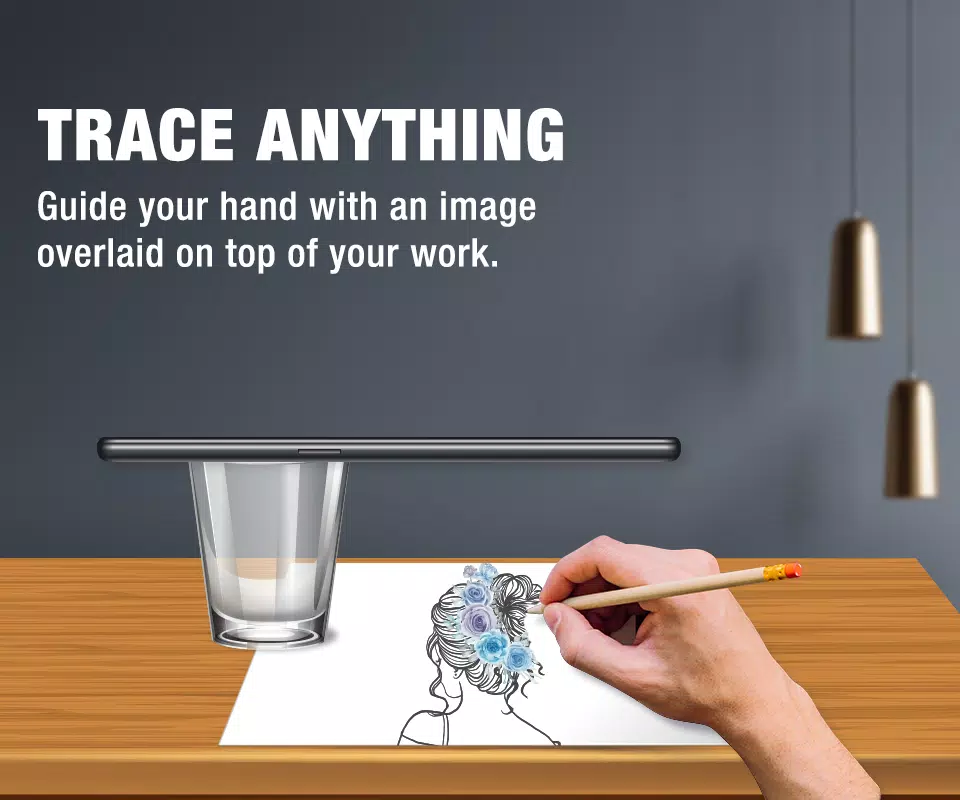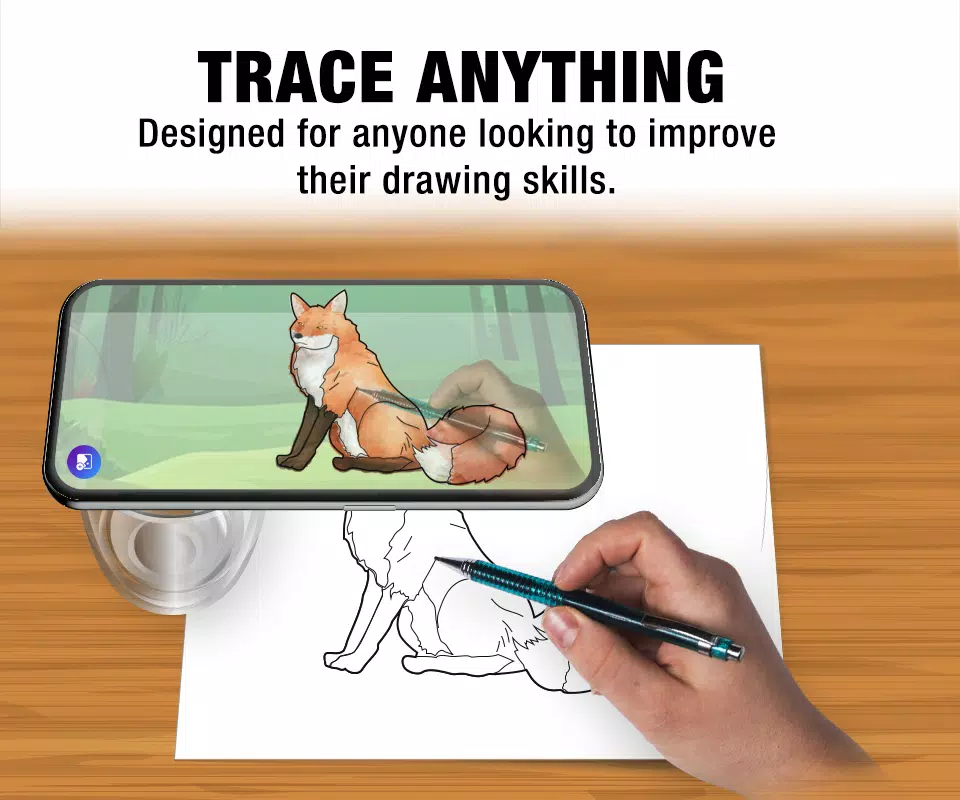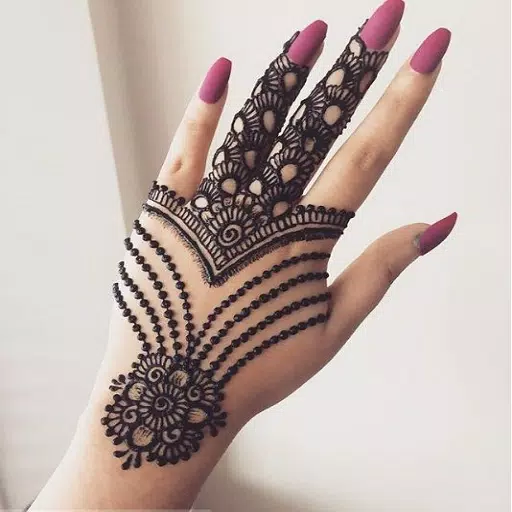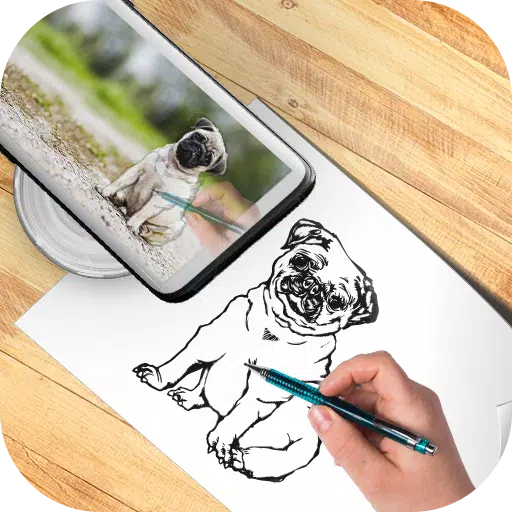
Use your phone's camera tracking feature to trace any printed image directly onto paper.
Follow the live camera feed on your phone's display to accurately recreate drawings. The image won’t appear on the paper—but you’ll see exactly where to sketch each line, ensuring precision and ease.
Key Features:
- Adjustable Transparency: Fine-tune visibility for perfect tracing.
- One-Tap Save & Reset: Preserve your progress or start fresh instantly.
- Smart Image Controls: Move, rotate, or resize reference images to fit your canvas.
Get started with just a few simple steps:
- Select an image from your gallery or search for reference pictures online.
- Resize and position the image for optimal tracing clarity.
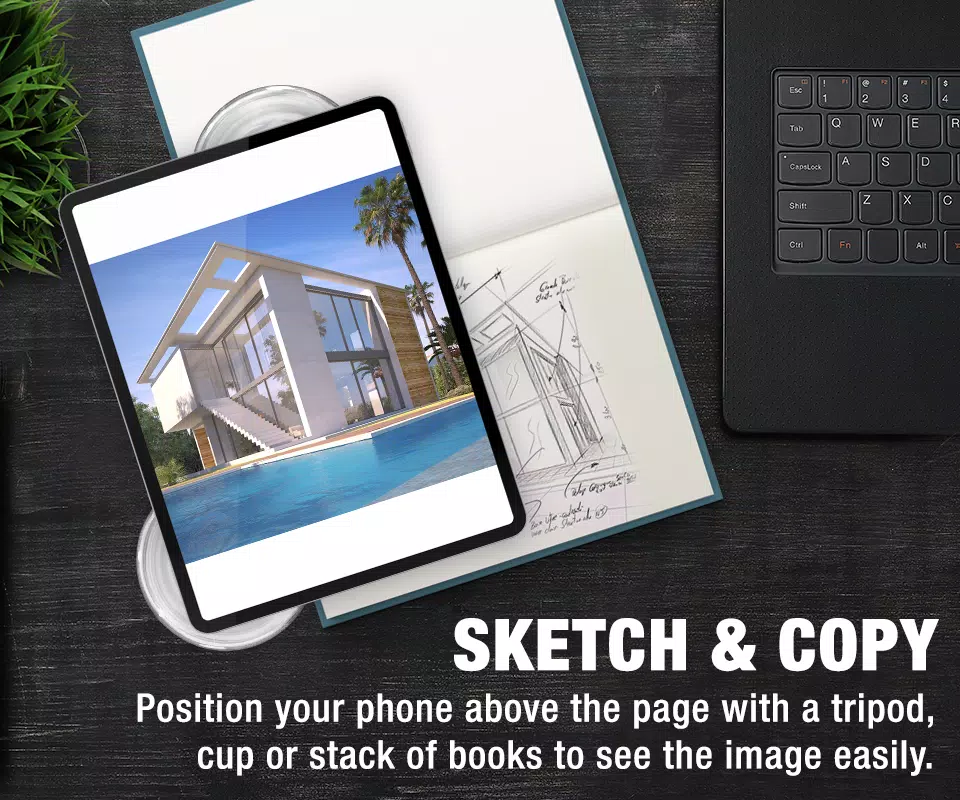
- Secure your phone above your workspace using a tripod, stand, or stable surface.
Why Choose Our App?
The most intuitive tool for mastering sketching through tracing. Ideal for beginners, students, and experienced artists alike—perfect for practice, learning anatomy, or recreating complex designs.
Permissions Required:
- Camera Access: Allows real-time video feed for live tracing.
- Gallery Access: Enables importing images from your device’s photo library.