
CrashScan | Accident Detector
- Auto & Vehicles
- 1.25.5
- 27.1 MB
- by Collision Sciences
- Android 5.0+
- Jun 12,2025
- Package Name: ca.collisionsciences.crashscan
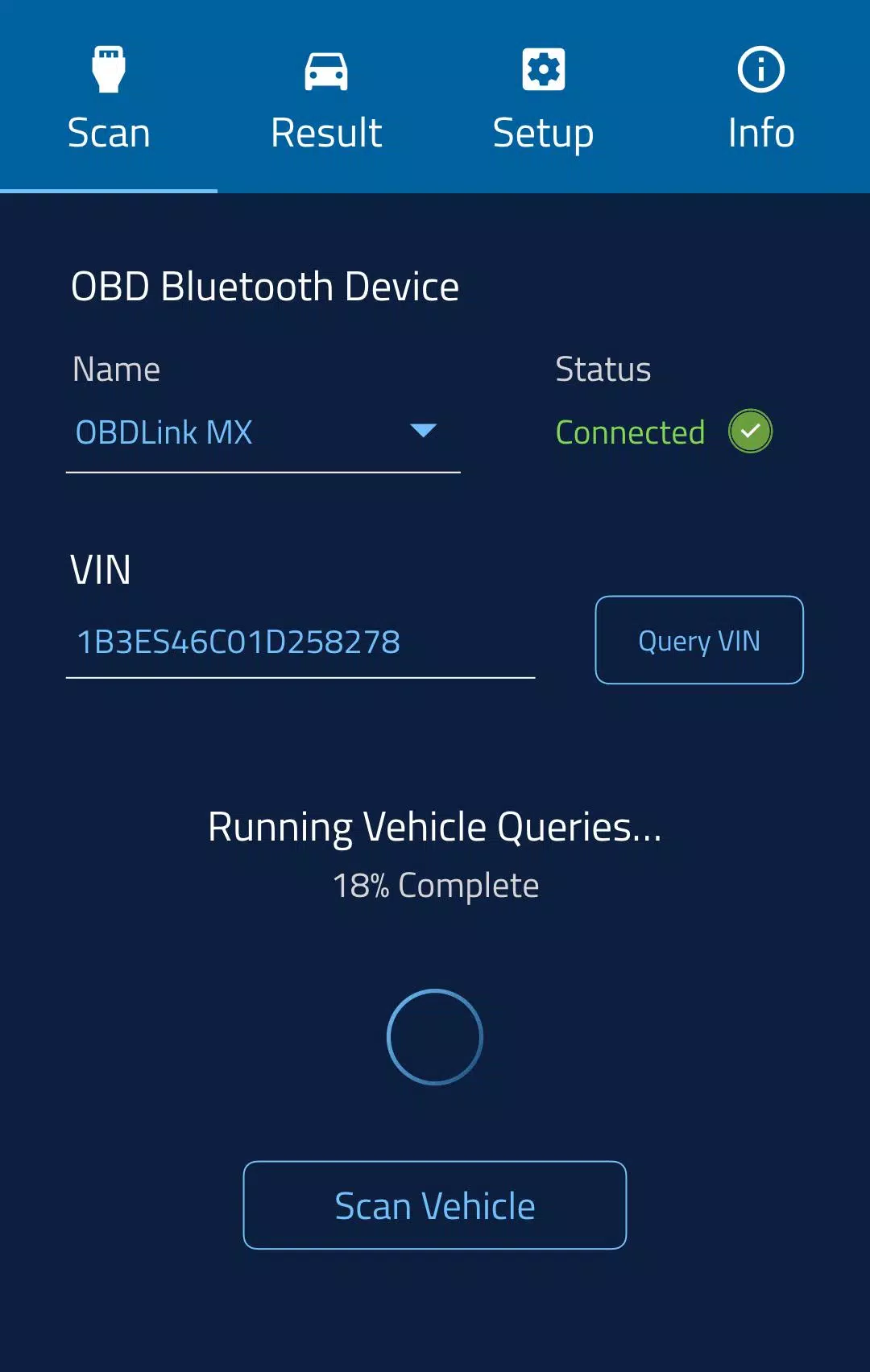
The EDR "Blackbox" Scan Tool, combined with the CrashScan App and OBDLink MX+ Bluetooth adapter, is a powerful solution for collision investigators. When responding to a vehicle collision, this technology enables professionals to scan critical vehicle modules—including the Event Data Recorder (EDR), often referred to as the vehicle’s “blackbox”—to extract vital crash data when supported (see full support details below).
CrashScan empowers investigators by identifying, capturing, and interpreting stored pre-accident data. This information is instrumental in verifying motor vehicle insurance claims and serves as a key indicator in assessing liability or detecting potentially suspicious collision scenarios. The ability to retrieve real-time vehicle data before impact provides a clearer picture of the event, improving accuracy and efficiency in investigations.
Vehicle Support
CrashScan supports over 3000 unique year/make/models globally, allowing for both Event Data Recorder (EDR) extraction and comprehensive system diagnostic scanning. You can verify if a specific vehicle is supported by visiting:
Contextual Accident Reports
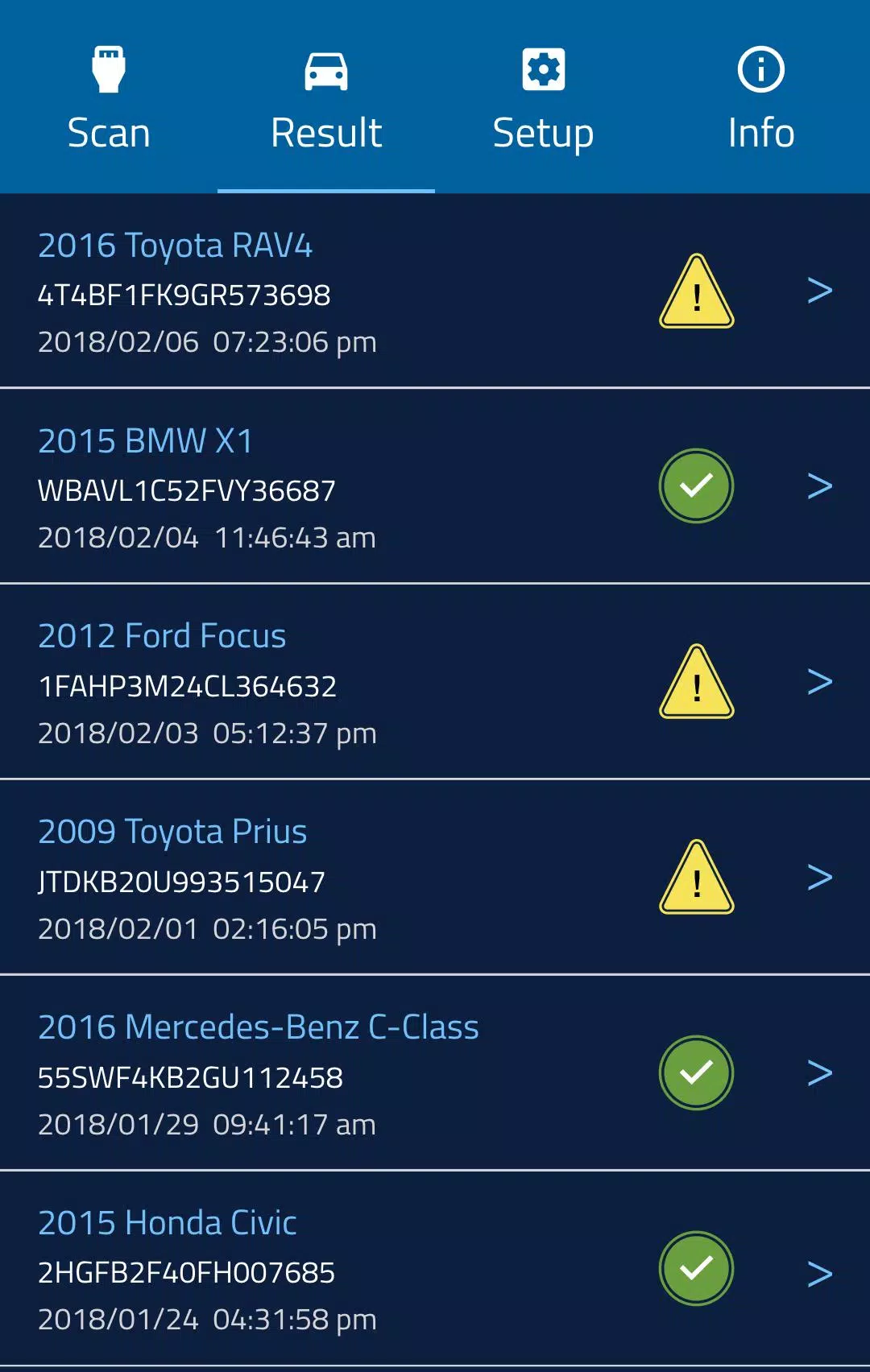
When a successful scan is completed using the CrashScan App, a detailed accident report is generated. This report includes valuable insights such as:
- Impact severity classification—minor, moderate, or severe
- Impact orientation—front, rear, or side
- EDR trigger thresholds
- 5 seconds of pre-crash data including vehicle speed, brake and accelerator pedal usage, and steering input
- Occupant count and seatbelt status
- Estimated repair costs in USD
- Indication of potential structural crush damage
- Injury risk assessments, including whiplash likelihood and injury duration
- Contextual g-force comparisons from everyday activities
Injury risk algorithms are based on recorded acceleration values, peer-reviewed scientific studies, and databases such as the National Automotive Sampling System (NASS), ensuring reliable and evidence-based analysis.
App Demo Video
To see how the CrashScan App works in action, watch the official demo video here:
Getting Started
For step-by-step guidance on setting up the app and hardware, search for “CrashScan Setup” on YouTube or follow this direct link:
Privacy Legislation Status (EDR Data)
Canada: There is currently no federal legislation specifically governing EDR data access. It is generally considered diagnostic and non-private. However, best practice among insurers involves obtaining owner consent prior to data retrieval.
United States: In December 2015, the Driver Privacy Act was enacted, limiting who can access EDR data and affirming that such data belongs to the vehicle owner or lessee. Seventeen states have since passed additional laws regarding EDR privacy and data ownership, including: Arkansas, California, Colorado, Connecticut, Delaware, Maine, Montana, Nevada, New Hampshire, New Jersey, New York, North Dakota, Oregon, Texas, Utah, Virginia, and Washington. These statutes typically require vehicle owner consent before downloading EDR data, subject to certain exceptions.
End-User Consent
By downloading the CrashScan mobile application, published by Collision Sciences, Inc., you agree to the installation of the app and any future updates or enhancements. You may revoke your consent at any time by uninstalling the app. You also acknowledge and accept that the app (including all updates and upgrades) may:
- Automatically connect with Collision Sciences’ servers to deliver core functionality and collect usage metrics;
- Modify app-related preferences or device-stored data;
- Collect personal or device-related information, as outlined in our Privacy Policy.
For more information, please visit us at [yyxx].
What's New in Version 1.25.5
Last Updated: November 4, 2024
- Minor bug fixes and performance improvements







-
 Disney Dreamlight Valley sets a date for major showcase stream with huge new features
Disney Dreamlight Valley has announced the date for its next showcase stream. It’ll reveal more details about what’s coming this year and into 2026. Big updates are on the horizon—mark your calendar!If you’re a Disney fan, you’re likely drowning in m
Oct 19,2026 -
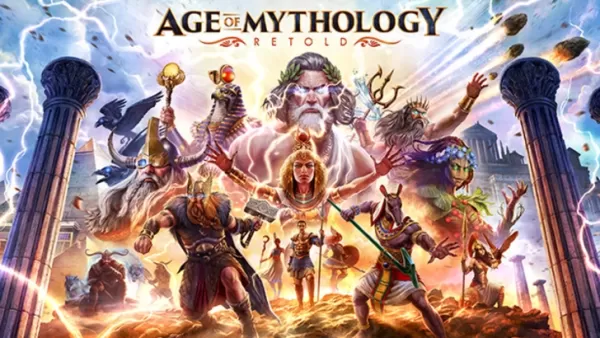 Age of Mythology: Retold Unveiled
Age of Mythology: Retold is an action-packed real-time strategy game that needs no introduction for fans of the genre. Stay informed with the latest news and updates about the game right here.← Back to the Age of Mythology: Retold main articleAge of
Oct 06,2026 - ◇ Final Fantasy Tactics: Ivalice Chronicles Returns Oct 06,2026
- ◇ The $20 Cordless Electric Air Duster Black Friday Deal Is No Longer Reserved for Amazon Prime Members Oct 05,2026
- ◇ The Apple Watch Series 11 Drops to the Lowest Price Ever Ahead of the Holidays Oct 03,2026
- ◇ The 13 Best Dragon Ball Z Characters Oct 01,2026
- ◇ "Deltarune's Exclusive Switch 2 Feature Revealed in Secret Room" Oct 01,2026
- ◇ Scritchy Scratchy is a scratchcard simulator (yes, really) coming to iOS and Android Sep 30,2026
- ◇ Stardew Valley Beginner’s Guide for Mobile Understanding the Core Mechanics and How to Progress Sep 30,2026
- ◇ Borderlands 4 Launch: Official Release Timings Sep 28,2026
- ◇ REPO's Secret Shop Unlocked: Full Guide Sep 27,2026
- ◇ Fortnite Returns to iOS in US After Long Wait Sep 27,2026



- 1 STARSEED Update: Codes for January 2025 Released Feb 25,2025
- 2 Pokemon GO Fest 2025: Dates, Locations, and Event Details Jan 08,2025
- 3 Ukrainian Internet Stalled as 'S.T.A.L.K.E.R. 2' Release Overwhelms Dec 30,2024
- 4 Pokémon TCG Pocket: Wonder Pick Date, Time, and Promo Cards – February 2025 Mar 03,2025
- 5 Black Myth: Wukong Tops Steam Charts Days Before its Launch Jan 07,2025
- 6 inZOI, a Korean Sims-Like, Delayed to March 2025 Mar 01,2025
- 7 Starseed Asnia Trigger Codes (January 2025) Mar 06,2025
- 8 Assassin's Creed Shadows Postponed to March 2025 for Enhancements Feb 21,2025





-
Budgeting & Investing: Your Guide to Financial Apps
A total of 9
-
Addictive Hypercasual Games for Quick Play
A total of 10
-
Best Role Playing Games for Android
A total of 10